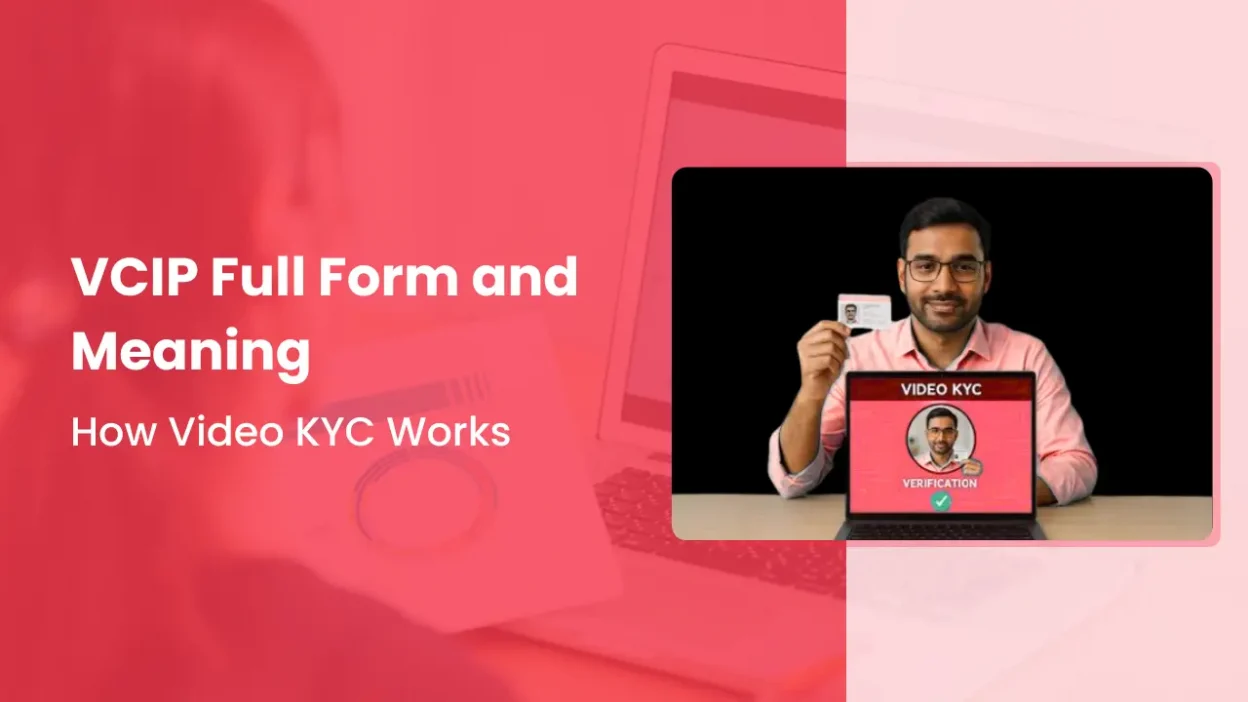
Imagine opening a bank account, applying for a loan, or completing financial verification without visiting a branch, standing in a queue, or submitting a pile of paperwork.
You simply sit in front of your phone, join a video call, show your documents, answer a few questions, and you’re done.
But what exactly happens during that video call? How does the bank verify your identity? What documents do you need to show? And is a video call really enough to complete KYC?
These questions are important because VCIP has changed the way many financial institutions verify customers remotely.
If you’ve come across the term while completing KYC online, this guide will help you understand what VCIP means, how the process works, what you need before the call, and what happens after your verification is complete.
What Is VCIP and Its Full Form?
VCIP full form is Video-Based Customer Identification Process. It is a digital KYC method that allows banks and other regulated financial institutions to verify a customer’s identity through a live video interaction instead of asking them to visit a branch.
You may also see VCIP written as V-CIP or hear it called Video KYC.
The idea is simple. In traditional KYC, you visit a branch and meet an employee face-to-face. With VCIP, you complete the same identity verification process through a live video call with an authorised official.
During the call, the official may verify your identity documents, compare your face with the photograph on your ID, confirm that you are physically present, ask you a few questions, capture your photograph, and record the video session.
So, in simple words, VCIP is a remote customer identification process that allows you to complete KYC through a live video call without visiting a bank branch.
However, VCIP is more than just a regular video call. It includes specific identity and security checks required under the applicable regulatory framework to make sure the person being verified is genuine.
In short:
VCIP = Video-Based Customer Identification Process = KYC verification through a live video interaction.
How Does VCIP Work?
The VCIP process may vary slightly from one organisation to another, but the basic process is usually similar.
Step 1: Start Your KYC Process
You first apply for a service such as:
- Bank account
- Loan
- Investment account
- Demat account
- Insurance policy
- Other financial services
The organisation then asks you to complete KYC.
Depending on the organisation, you may be given a link or option to start Video KYC.
Step 2: Give Consent for Video KYC
Before the video verification starts, you may need to provide your consent for the process.
The organisation can then start the video-based identification process.
Step 3: Join the Live Video Call
You connect with an authorised official through a live video session.
This is an important part of VCIP.
It is not simply a matter of uploading a selfie or a pre-recorded video. The verification takes place through a live interaction.
Step 4: Show Your Documents
The official may ask you to show the required documents through the camera.
Depending on the organisation and applicable requirements, these can include documents such as:
- PAN card
- Aadhaar or another officially valid document
- Other documents required for the KYC process
The official checks whether the information provided during the application matches the documents.
Step 5: Face and Liveness Verification
The system and the authorised official verify that the person on the video call is actually the person whose documents are being checked.
Technology can be used for face matching and liveness detection.
Liveness detection helps determine whether a real person is present rather than a photograph, recording, or other attempt to impersonate someone.
Step 6: Location and Session Details Are Recorded
VCIP processes can include capturing information such as location, date and time.
The video session is also recorded and stored according to the applicable requirements.
These records help the organisation maintain an audit trail of the verification.
Step 7: Verification and Approval
After the video session, the information and verification results are reviewed.
If everything is correct, the organisation can complete the KYC process and proceed with the customer’s application.
So, in simple terms:
Application → Consent → Live Video Call → Document Verification → Face/Liveness Check → Review → KYC Completion
What Documents Are Needed for VCIP?
The documents required can vary depending on the organisation and the type of service you are applying for.
However, you may commonly need:
- PAN card
- Aadhaar or another officially valid document
- Any additional document requested by the organisation
You should also have:
- A smartphone, tablet, or computer with a working camera
- A working microphone
- Stable internet
- Good lighting
It is better to keep your original documents ready before starting the video call.
What Are the RBI Guidelines for VCIP?
VCIP is not simply a regular video meeting.
For regulated entities using V-CIP, the process needs to follow the applicable RBI KYC requirements.
Some important controls include:
- The interaction must be conducted through a live audio-visual process.
- The customer needs to be identified through the prescribed verification process.
- Required documents and customer images need to be captured appropriately.
- Technology can be used for face matching and liveness checks.
- The session needs to be recorded and maintained as required.
- Appropriate audit and review mechanisms need to be followed.
- The process must meet the applicable security and data-handling requirements.
Why Do Banks and Businesses Use VCIP?
Traditional KYC often requires customers to visit a branch or submit physical documents.
VCIP makes the process more convenient by allowing verification to happen remotely.
1. No Branch Visit
Customers can complete the verification through a video call instead of travelling to a branch.
2. Faster Customer Onboarding
A customer can complete the identity verification process online instead of waiting for a physical KYC process.
3. Better Customer Experience
Customers can complete KYC from a convenient location without standing in a queue.
4. Remote Verification
VCIP allows organisations to verify customers who may not be close to a physical branch.
5. Better Audit Trail
The video interaction and related verification records can provide evidence of how the KYC process was completed.
6. Helps Reduce Identity Fraud
Face matching, liveness detection, document checks and human verification can work together to make impersonation more difficult.
Where Is VCIP Used?
VCIP is mainly associated with financial services and customer onboarding.
Common use cases include:
1. Banking
Banks can use VCIP for customer onboarding and certain KYC-related activities without requiring a branch visit.
2. Lending and NBFCs
Lenders can use video-based verification when onboarding borrowers and completing applicable KYC requirements.
3. Insurance
Video KYC can be used as part of customer identification and onboarding processes, subject to the applicable regulatory requirements.
4. Investment and Broking
Financial platforms can use video-based identification for certain account-opening and KYC processes.
5. Payments
VCIP can also be used in applicable payment and financial service workflows where full customer identification is required.
RBI has specifically expanded V-CIP’s use for activities such as KYC updation and certain customer identification scenarios.
VCIP vs Traditional KYC
The biggest difference is where the verification happens.
| Feature | VCIP | Traditional KYC |
| Verification method | Live video | Face-to-face |
| Branch visit | Usually not required | Usually required |
| Human verification | Yes | Yes |
| Document verification | Online | Physical/in-person |
| Customer convenience | High | Lower |
| Physical paperwork | Reduced | More likely |
The purpose of both methods is customer identification. VCIP simply allows the process to happen remotely.
What Can Cause VCIP to Fail?
Sometimes a VCIP verification may not be completed successfully.
Common reasons include:
1. Poor Internet Connection
If your video keeps freezing or disconnecting, the verification may not be completed properly.
2. Poor Lighting
If your face or documents are difficult to see, the official may ask you to improve the lighting.
3. Unclear Documents
Blurred, damaged or unreadable documents can create verification problems.
4. Face Matching Problems
If the system or official cannot confidently match your face with the required document, additional verification may be needed.
5. Camera or Microphone Problems
Make sure your device camera and microphone are working before starting the call.
6. Incorrect Information
Differences between the information entered in your application and your documents can cause delays or rejection.
How to Prepare for a VCIP Call
You can make the process easier by preparing a few things before starting.
1. Keep your documents ready.
Have the required identity documents with you before joining the call.
2. Choose a well-lit place.
Your face should be clearly visible to the camera.
3. Use a stable internet connection.
A weak connection can interrupt the video call.
4. Keep your camera clean.
A dirty camera lens can make your face or documents appear unclear.
5. Avoid distractions.
Sit somewhere quiet so you can clearly hear and answer the verification officer.
Conclusion
VCIP, or Video-Based Customer Identification Process, makes KYC possible through a live video interaction instead of a traditional branch visit.
The basic idea is simple: you connect with an authorised official, show your required documents, complete identity and liveness checks, and allow the organisation to complete the required verification.
For customers, this means a more convenient way to complete KYC. For financial institutions, it provides a way to support digital onboarding while following the applicable regulatory requirements.
As more financial services move online, understanding VCIP and its full form can help you understand exactly what happens when a company asks you to complete Video KYC.