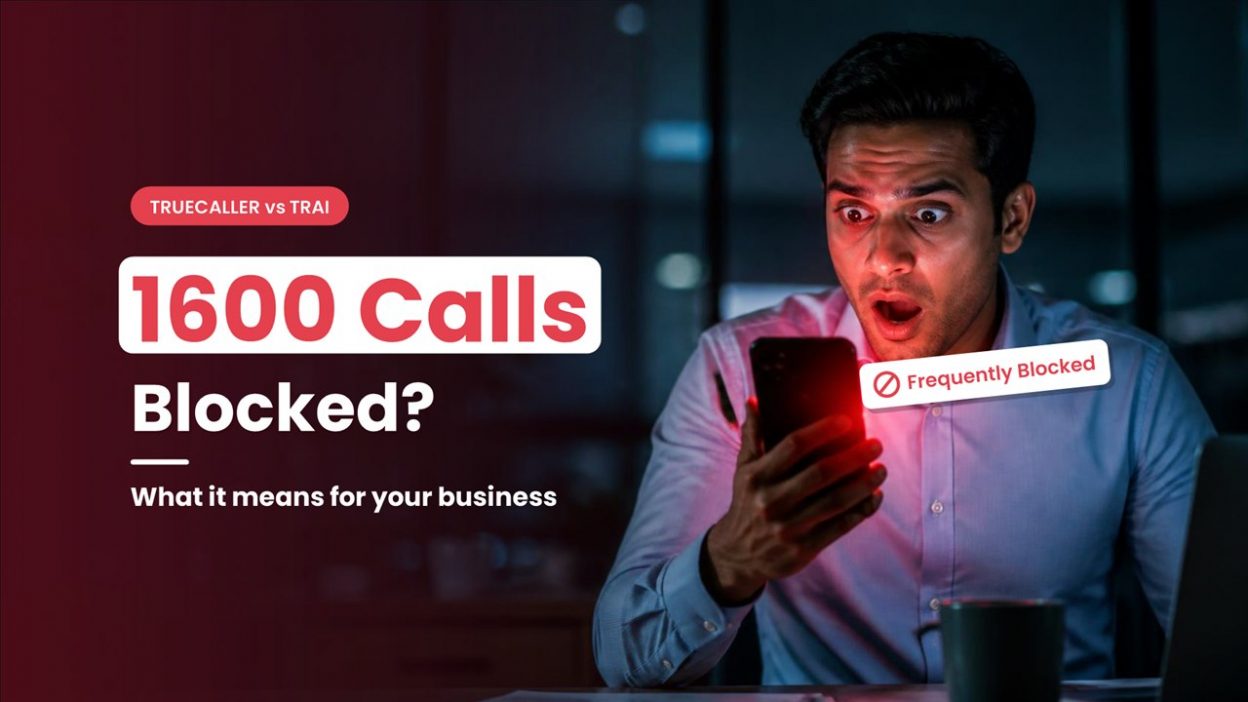
If your business calls customers from a 1600 or 140 number, they may see a “Frequently Blocked” badge on Truecaller before answering. This label can affect whether they pick up your call.
Truecaller introduced the badge after it stopped marking calls from these number series as spam. The company says it reflects users’ blocking behaviour. TRAI has raised concerns that the label could create doubt about genuine business calls.
What does “Frequently Blocked” mean, what do TRAI’s rules say, and how can businesses protect their answer rates? Let’s look at both sides and what you can do.
Why India Uses the 140 and 1600 Number Series
TRAI has designated separate number series for different types of business calls. The 140 series is used for registered promotional calls, while the 1600 series is meant for service and transaction calls from eligible regulated entities and government bodies.
| Series | Used for |
| 140 | Promotional calls from registered senders |
| 1600 | Service and transaction calls from eligible regulated entities and government bodies |
These number series help customers understand the purpose of a business call.
For more details, read What Is a 1600 Phone Number?.
What Does “Frequently Blocked” Mean on Truecaller?
According to Truecaller, the “Frequently Blocked” badge appears when many of its users have blocked a particular number. It reflects users’ blocking behaviour on the app. It is not an official spam classification by TRAI or a telecom operator.
The badge does not explain why people blocked the number. A customer may see it without knowing whether the number belongs to a genuine service team or whether other users received unwanted calls from it.
This can create doubt before a customer answers an expected business call. However, the badge alone does not prove that the number is spam.
What TRAI says about the badge
TRAI’s position is that call-management apps should not tag, block or filter calls from designated commercial number series. In July, the regulator clarified that apps could not tag or filter calls from the 140 series. It also said that apps could not tag, block or filter calls from the 1600 series. Customers can manage promotional calls from the 140 series through their DND preferences. Read TRAI’s clarification and the related Press Information Bureau update.
TRAI has also objected to the “Frequently Blocked” label, saying it could create doubt about genuine calls. Truecaller says the badge reflects user blocking behaviour rather than a spam label. TRAI’s concern is that customers may still understand it as a warning about the caller. Business Standard has reported on TRAI’s objection.
On 18 September 2026, TRAI notified the Third Amendment to the Telecom Commercial Communications Customer Preference Regulations. The amendment retained restrictions on call-management apps tagging, blocking or filtering designated number series, including 140xx, 1600xx and 1601xx. It also introduced new duties for apps that allow users to report calls as spam.
These rules govern how apps handle calls from designated series. Customers can still choose to block individual numbers on their own devices.
What Truecaller says
Truecaller says users are ignoring and blocking calls from these number series. According to company data reported by TechCrunch, over an eight-month period:
- Users ignored 81% of calls from the 140 series and 79% of calls from the 1600 series.
- Users manually blocked 74 million calls from the two series.
- Daily blocking actions against 1600-series numbers more than tripled from October 2025.
These figures are based on Truecaller’s own data, not a TRAI count. TechCrunch also reported that India is Truecaller’s largest market, with more than 350 million of its 500 million monthly active users based in the country.
What this means for your business calls
Using a 1600 or 140 number does not guarantee that customers will answer. They may still decide based on whether they expect your call, recognise your business and understand why you are contacting them.
The way you call is just as important as the number series you use. Relevant calls, clear caller identification and respectful follow-ups can help customers feel more confident about answering.
7 Ways to Improve Your Business Call Answer Rate
1. Use the Right Number Series
Use the 140 series for registered promotional calls and the 1600 series for eligible service or transaction calls. The 1600 series is not a general-purpose business number, so make sure your calls follow the purpose assigned to it.
2. Call Soon After a Customer Enquiry
Contact customers while they still remember making an enquiry. A timely call gives them context and makes it easier for them to understand why your team is calling. Keep a record of the enquiry and any contact permissions that apply.
3. Let Customers Know When to Expect a Call
If a customer is expecting a service callback, send a brief heads-up through a channel they have agreed to use, where applicable. Mention the reason for the call so they can recognise it when your team follows up.
4. Keep Your Calling Campaigns Relevant
Review your contact lists regularly and call people who are likely to be interested in the offer or service. Targeted campaigns help avoid repeated calls to people who may not find them relevant.
5. Follow DND and Opt-Out Preferences
Respect customers’ DND and opt-out preferences. Make it clear how they can stop future promotional calls, and update your calling lists when they do.
6. Set Up Your Business Identity Where Available
Where caller ID services support it, display a recognised business name alongside your number. This can help customers understand who is calling before they answer.
7. Monitor Answer Rates and Complaints
Review answer rates by number, agent, time of day and campaign. If answer rates fall or complaints increase, pause the campaign and check your calling pattern before continuing.
For more guidance, read Why Business Numbers Get Marked as Spam and How AI Business Calls Differ from Spam Calls.
Conclusion
The 140 and 1600 number series help customers understand the purpose of a business call, but they cannot guarantee that someone will answer. A “Frequently Blocked” badge reflects blocking behaviour reported on Truecaller. It is not an official confirmation that a number is spam. Clear caller identification, relevant calls, timely follow-ups and respect for customer preferences can help businesses build trust.
CallerDesk can help your team manage these calls more effectively. IVR and call routing can direct callers to the right team. The dashboard shows answered, missed and short calls by number and agent, while call history and recordings help managers review activity. Missed-call tracking and follow-up tools help teams identify enquiries that still need attention.
Use these insights to review call patterns and improve follow-ups. Book a CallerDesk demo to explore its business calling features.