Customers often call with questions about an order, an appointment or a business’s opening hours. Answering every routine call one by one can take up a large part of a team’s day.
- 1 What Does an AI Voice Agent Do?
- 2 AI Voice Agent, Conversational AI Assistant and AI Calling Agent
- 3 How Does an AI Voice Agent Work?
- 4 AI Voice Agent vs IVR vs Chatbot
- 5 Where Can Businesses Use AI Voice Agents?
- 6 Benefits of Using an AI Voice Agent
- 7 Limitations to Consider
- 8 What Should a Business Check Before Using One?
- 9 What Should Indian Businesses Keep in Mind?
- 10 Frequently Asked Questions
- 11 Conclusion
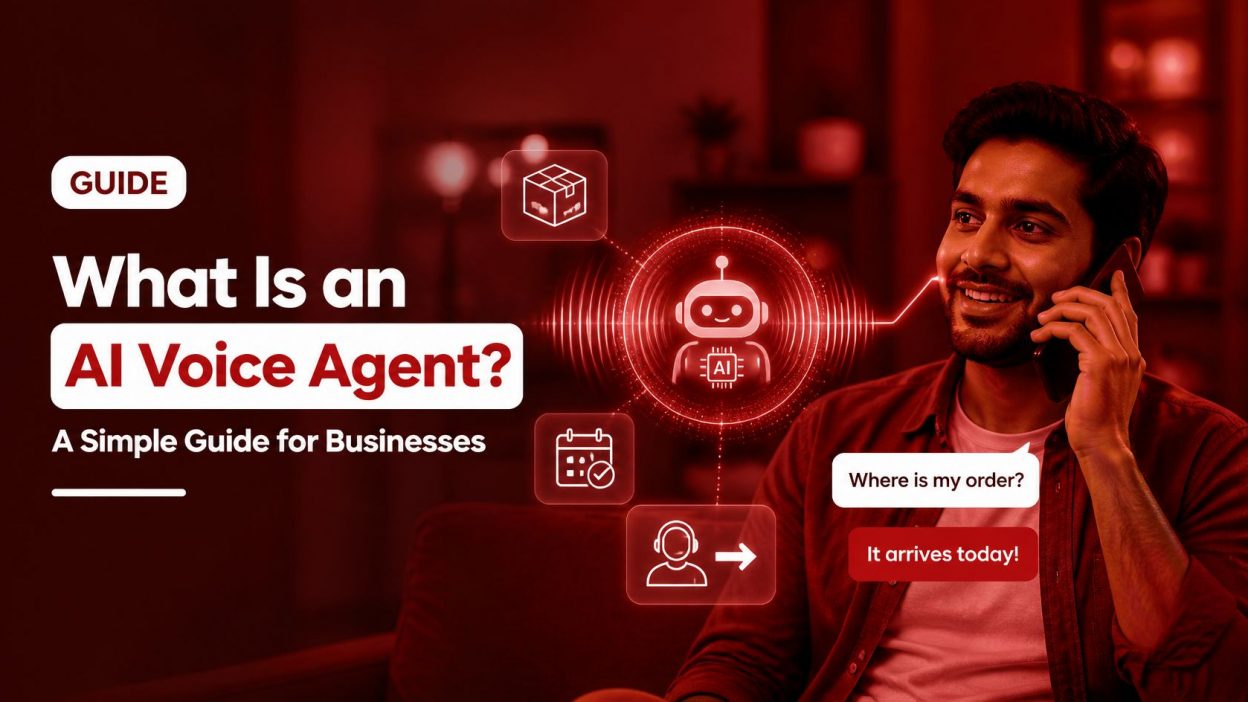
An AI voice agent is software that speaks with callers, understands what they need and responds in a natural voice. Depending on how it is set up, it can answer common questions, collect information, check connected systems or transfer a call to a team member.
This guide explains how AI voice agents work, where businesses can use them, and what to consider before introducing one.
What Does an AI Voice Agent Do?
An AI voice agent handles a phone conversation using speech recognition and conversational AI. A caller can explain what they need in their own words instead of choosing from a fixed list of options.
For example, someone might say, “I ordered a phone last week, but it has not arrived.” The agent can recognise this as a delivery query. If it is connected to the company’s order system, it may be able to check the order status. If the caller wants to raise a complaint or needs help beyond the agent’s role, it can transfer the call to a person.
What the agent can do depends on how it has been configured and which business systems it can access. Without an order-system connection, for instance, it may be able to explain how to track a parcel, but it cannot check that caller’s specific order.
AI Voice Agent, Conversational AI Assistant and AI Calling Agent
These terms are related, but they do not always mean the same thing.
| Term | What it usually means |
| Conversational AI assistant | A software assistant that communicates through text, voice or both. |
| AI voice agent | A conversational AI assistant that speaks with people, usually over a phone call. |
| AI calling agent | An AI voice agent used to make or receive business calls, such as reminders, follow-ups or support calls. |
All three use conversational AI to process language and generate a relevant response. The exact capabilities depend on the product and how the business sets it up.
How Does an AI Voice Agent Work?
A phone conversation usually involves a few steps. The technology may vary, but the basic process is as follows.
1. It recognises the caller’s speech
The system captures what the caller says and uses speech recognition to convert it into information the software can process.
2. It works out what the caller needs
The AI analyses the words and context to identify the caller’s request. For example, “Where is my parcel?” and “My order has not come yet” use different words, but both indicate a delivery enquiry.
3. It finds an answer or takes an action
The agent uses its instructions and available information to respond. If it is connected to business systems, it may be able to look up an order, book an appointment or update a record. If it cannot complete the request, it can ask a follow-up question or transfer the call.
4. It responds in a spoken voice
The system turns its response into speech so the caller can hear it over the phone. Conversational AI can combine speech recognition, language processing and response generation to support this exchange.
5. It ends the call or hands it over
After answering the question or completing a task, the agent can end the call according to the workflow. If the caller needs further help, it should offer a clear way to reach a team member.
The conversation may happen quickly, but the quality depends on the system’s setup, the caller’s speech, background noise and how well the agent can access the information it needs.
AI Voice Agent vs IVR vs Chatbot
These tools help businesses handle customer enquiries in different ways.
| Tool | How the customer communicates | Works well for |
| IVR | The caller listens to a phone menu and selects an option, such as “Press 1 for sales.” | Directing callers to the right team or department. |
| AI voice agent | The caller speaks naturally and explains what they need. | Answering routine questions or handling short conversations. |
| Chatbot | The customer types messages on a website or messaging app. | Text-based support and common online enquiries. |
An IVR can be useful when the main need is to route calls. An AI voice agent can be more suitable when callers need to explain a request or ask a question in their own words. Businesses can also use both: an IVR can route a call, while an AI voice agent handles common queries.
For a closer comparison, read IVR vs AI solutions and learn about the key features of IVR.
Where Can Businesses Use AI Voice Agents?
1. Customer support
An agent can answer routine questions about business hours, services, returns or policies. More complicated queries can go to a person.
2. Appointment bookings and reminders
Clinics, salons and service businesses can use AI calling agents to send reminders, confirm appointments or collect requests to reschedule.
3. Order and delivery enquiries
An agent connected to an order or delivery system may be able to share updates with customers. The connection is important: without access to current order information, the agent cannot provide a reliable update about a specific delivery.
4. Lead follow-up
An AI calling agent can contact a new lead, ask a few basic questions and pass interested prospects to the sales team. Businesses should make sure that automated outbound calls follow applicable telecom requirements.
5. Calls after office hours
When a business is closed, an AI voice agent can share basic information, record the reason for a call or explain when a team member will follow up.
6. Busy periods and call overflow
When agents are handling other calls, an AI voice agent can answer routine enquiries or collect details for a callback. This can help businesses manage high call volumes, provided callers can reach a person when their issue needs one.
Benefits of Using an AI Voice Agent
An AI voice agent can be available outside regular office hours, depending on how the business operates it. It can also respond to routine questions without making customers wait for a team member to become free.
By handling suitable repetitive tasks, the agent can give employees more time for complex enquiries, complaints and conversations that require judgement. It can also provide consistent answers when its information and instructions are accurate.
These benefits depend on the quality of the setup. An agent with outdated information, limited language support or poor connections to business systems may create extra work instead of reducing it.
Limitations to Consider
AI voice agents are best suited to clear, routine tasks. A caller who is upset, dealing with a complex issue or asking for an exception may need a person to listen and make a decision.
Speech can also be difficult to interpret when there is background noise, a weak phone connection, an unfamiliar accent or a mix of languages. This matters in India, where callers may switch between Hindi and English during the same conversation. Test the agent with the languages and call conditions your customers actually use.
An agent may also provide an incorrect answer if its instructions or connected information are incomplete or out of date. Set limits on what it can answer, review its performance and give callers an easy way to speak with a team member.
What Should a Business Check Before Using One?
1. Start with a specific call type
Choose a clear use case, such as appointment reminders or basic order enquiries. Starting with a defined task makes it easier to set expectations and check whether the agent is working well.
2. Prepare accurate answers and instructions
Use current information about your services, policies and processes. Decide what the agent can answer, what it should ask the caller and when it must transfer the call.
3. Check system connections
If the agent needs to look up live information or update a record, confirm that it can connect to the relevant system. Test what happens if the system is unavailable or the caller’s details cannot be found.
4. Set up a human handover
Decide when the agent should transfer a caller, how it should explain the transfer and what information it should pass to the employee. Callers should not have to repeat everything they have already shared.
5. Test and review real calls
Test the agent with different accents, speaking speeds, common questions and background noise. After launch, review whether it answers correctly, completes the intended task and transfers calls when needed. Use customer feedback and call outcomes to improve it.
What Should Indian Businesses Keep in Mind?
1. Rules for automated outbound calls
TRAI’s September 2026 amendment covers Application-to-Person (A2P) calls initiated by an application, software system or automated platform without direct human dialling. It includes calls made using auto-dialling, robocalls and pre-recorded or artificial voice technologies. Businesses using A2P calls must declare this use to their telecom service provider in advance and provide the calling numbers. Calls made without the required prior declaration are treated as unsolicited commercial communication (UCC). This applies to automated outbound calling; check the process with your telecom provider before using an AI agent to place calls.
Read the TRAI announcement and learn more about whether AI calls can be marked as spam.
2. Call recordings, transcripts and customer data
Some AI voice agents record calls, create transcripts or store call details. Before choosing a system, check what information it collects, why it is collected, who can access it, how long it is kept and how it is protected. Review the applicable data-protection requirements for your business. The DPDP Rules have a phased commencement schedule, so check which requirements apply to your situation.
For more information, read how the DPDP rules apply to call recording.
Frequently Asked Questions
What is an AI voice agent in simple words?
It is software that talks with callers, understands what they need and responds by voice. It can answer routine questions or transfer the call to a person.
Is an AI voice agent the same as a conversational AI assistant?
An AI voice agent is one type of conversational AI assistant. It communicates through voice, while a conversational AI assistant may also use text.
Can an AI voice agent replace human agents?
It can handle some routine calls, but it cannot replace people in every situation. Human agents are still needed for complex, sensitive or unusual enquiries.
Can an AI voice agent understand Hindi or Hinglish?
Some systems support Hindi, English and other Indian languages, but accuracy varies. Test the agent with the languages, accents and mix of words your callers use.
Does an AI voice agent need to be connected to a CRM or order system?
Not always. It may answer general questions using information provided to it. To check a specific order, update a customer record or book an appointment, it usually needs access to the relevant business system.
Is an AI voice agent better than an IVR?
It depends on the type of call. An IVR is useful for routing callers through a menu. An AI voice agent can handle spoken questions and short conversations. Some businesses use both.
Conclusion
An AI voice agent lets customers speak naturally and get help with routine phone enquiries. It can support customer service, appointment reminders, order updates and after-hours calls, especially when it has accurate information and access to the right systems. It also needs clear limits, testing with real callers and an easy way to reach a person. For businesses in India, automated outbound calls and call data handling should be reviewed before launch so the system fits the business’s processes and applicable requirements.