A customer calls your business in Raipur.
- 1 Why Businesses in Chhattisgarh Need Better Call Management
- 2 Signs Your Business Has Outgrown Traditional Calling
- 3 Top Cloud Telephony & IVR Service Providers in Chhattisgarh
- 4 2. Exotel
- 5 3. MyOperator
- 6 4. Ozonetel
- 7 5. Knowlarity
- 8 6. Tata Tele Business Services Smartflo
- 9 Cloud Telephony Providers in Chhattisgarh: How Should You Compare Them?
- 10 Which Cloud Telephony Provider Is Right for Your Business?
- 11 Cloud Telephony Use Cases Across Chhattisgarh
- 12 What About Businesses in Smaller Cities?
- 13 How Much Does Cloud Telephony Cost in Chhattisgarh?
- 14 10 Questions to Ask Before Choosing a Cloud Telephony Provider
- 15 What Should Your Calling System Look Like as You Grow?
- 16 Frequently Asked Questions
- 17 Final Thoughts
Your sales team is busy. The call goes unanswered.
A few minutes later, another customer calls from Bhilai. This time, the call reaches the wrong person. The customer explains the issue, gets transferred, and eventually gives up.
The problem isn’t just a missed call.
It’s a missed opportunity, a poor customer experience, and a process your team can’t easily track.
For businesses across Chhattisgarh, from growing companies in Raipur to industrial businesses in Bhilai and Korba, managing customer calls becomes harder as teams grow.
That’s where Cloud Telephony and IVR can help.
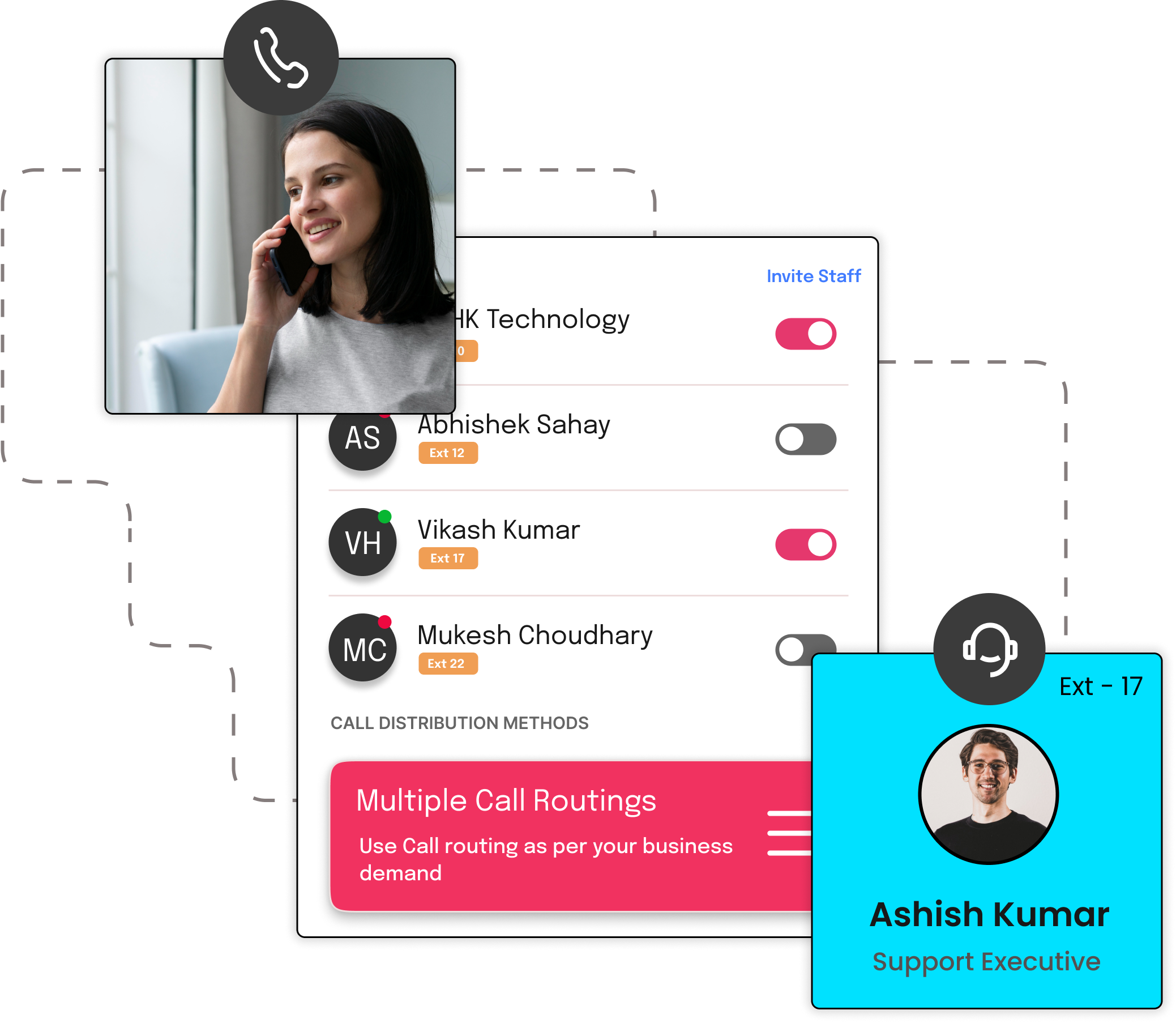
Instead of giving customers different mobile numbers for different employees, businesses can use one professional business number and create a structured calling experience:
Customer calls → IVR → Right department → Right employee → Follow-up
But choosing a provider isn’t as simple as picking the company with the longest feature list.
The right platform depends on your business size, call volume, departments, integrations, and the type of customer experience you want to create.
In this guide, we’ll look at some of the top Cloud Telephony and IVR service providers in Chhattisgarh, what each one is best suited for, and how to decide which solution makes sense for your business.
Why Businesses in Chhattisgarh Need Better Call Management
Chhattisgarh has businesses across manufacturing, steel, mining, healthcare, education, real estate, logistics, retail, hospitality, and professional services.
Each type of business can have a different calling challenge.
A hospital may need to route patients to appointments, billing, or emergency support.
A manufacturing company may receive calls from dealers, suppliers, customers, and service teams.
A real estate company may need to distribute incoming leads among sales representatives.
An educational institute may receive admission enquiries throughout the day.
A logistics company may need customers to quickly reach the right support team.
The common problem is simple:
More calls create more opportunities for communication to break down.
Signs Your Business Has Outgrown Traditional Calling
You may need a Cloud Telephony solution if:
1. Customers Call Multiple Numbers
When customers have different numbers for sales, support, accounts, and individual employees, communication quickly becomes difficult to manage.
A central business number can give customers one consistent way to reach your company.
2. Calls Frequently Go Unanswered
Your employees can’t answer every call.
A Cloud Telephony system can help route calls to available team members, create queues, or trigger predefined call flows depending on the configuration.
3. Customers Reach the Wrong Department
An IVR can help callers choose where they want to go.
For example:
Press 1 for Sales
Press 2 for Support
Press 3 for Accounts
Press 4 for Other Enquiries
The goal isn’t to create a complicated menu.
It’s to reduce unnecessary transfers.
4. Managers Can’t See Call Activity
If your business only relies on employee phones, management may have limited visibility into:
- Missed calls
- Call duration
- Call activity
- Follow-ups
- Agent performance
- Lead-related calls
Call analytics and tracking can give managers a clearer picture of what is happening.
5. Employees Leave With Customer Relationships
If customers communicate directly through an employee’s personal number, the relationship can become tied to that individual.
A centralized business calling system keeps the communication connected to the company instead.
Top Cloud Telephony & IVR Service Providers in Chhattisgarh
There isn’t one provider that is perfect for every business.
A small sales team may need a simple business number and IVR.
A large contact centre may need advanced routing, queues, analytics, agent management, and integrations.
Here are some providers businesses in Chhattisgarh can evaluate.
1. CallerDesk
Best for: Growing businesses that need centralized business calling, IVR, call management, and integrations
CallerDesk provides cloud-based business communication solutions designed to help businesses manage customer calls through a centralized system.
Businesses can evaluate capabilities such as:
- Virtual numbers
- IVR
- Multi-level IVR
- Call routing
- Call recording
- Call tracking
- Call analytics
- CRM integrations
- APIs
- Team management
A typical workflow could look like:
Customer → Business Number → IVR → Sales/Support → Employee → CRM
This can be useful for businesses that are moving away from employee-specific phone numbers and want more control over customer communication.
CallerDesk may be a good fit for:
- Startups
- SMBs
- SaaS companies
- Sales teams
- Customer support teams
- Service businesses
- Growing organizations
The right plan will depend on your call volume, team size, required integrations, and calling workflow.
2. Exotel
Best for: Businesses that need programmable communication and software integrations
Exotel is particularly relevant for businesses where voice communication needs to connect with applications, CRM systems, or other technology workflows.
Instead of simply managing:
Customer → Phone → Employee
A technology-driven business may need:
Customer → Application → Voice Platform → Employee → CRM
This makes APIs, integrations, and programmable communication important factors to evaluate.
Exotel may be worth considering if your business needs:
- Voice APIs
- Programmable communication
- Software integrations
- Custom call workflows
- Scalable voice infrastructure
For technology-focused companies, the integration capabilities may be as important as the IVR itself.
3. MyOperator
Best for: Small and medium-sized businesses looking for centralized business calling
MyOperator provides business communication and call management solutions that can help companies organize incoming and outgoing calls.
Businesses can evaluate capabilities such as:
- Virtual numbers
- IVR
- Call routing
- Call recording
- Analytics
- CRM integrations
A common setup is:
One business number → Multiple employees → Organized call handling
This can be useful for businesses that want to move away from managing customer calls through individual employee numbers.
4. Ozonetel
Best for: Contact centres and businesses managing high call volumes
When a company handles hundreds or thousands of customer conversations, basic calling features may not be enough.
Large teams may need:
- Call queues
- Agent management
- Call monitoring
- Call routing
- Recording
- Analytics
- Contact-centre workflows
Ozonetel focuses on cloud contact-centre and customer experience use cases.
That can make it more relevant for businesses with larger customer support or contact-centre operations.
5. Knowlarity
Best for: Established businesses looking for structured cloud communication
Knowlarity provides cloud communication solutions covering business calling and contact-centre use cases.
Businesses can evaluate areas such as:
- Virtual numbers
- IVR
- Voice solutions
- Call management
- Contact-centre capabilities
- Missed-call services
For an established organization, the better question isn’t:
“Does this provider offer IVR?”
It’s:
“Can this platform support the way our teams and customers communicate?”
That includes departments, locations, call volume, integrations, and future growth.
6. Tata Tele Business Services Smartflo
Best for: Organizations evaluating cloud communication alongside broader telecom requirements
Tata Tele Business Services offers Smartflo as a cloud-based business communication solution.
Businesses can evaluate capabilities such as:
- Virtual numbers
- IVR
- Call routing
- Analytics
- Cloud communication
For larger organizations, the decision may also involve how the cloud communication platform fits into their existing telecom environment.
Cloud Telephony Providers in Chhattisgarh: How Should You Compare Them?
Looking at features alone can make the decision harder.
Instead, compare providers based on what your business actually needs.
| What to Compare | Why It Matters |
| IVR | Helps customers reach the right department |
| Call Routing | Distributes calls to the right employees |
| Virtual Numbers | Creates a professional business number |
| Call Recording | Helps with quality and training |
| Call Analytics | Shows how your team handles calls |
| CRM Integration | Connects calls with customer data |
| APIs | Useful for custom software workflows |
| Scalability | Helps when your team and call volume grow |
| Agent Management | Important for larger support teams |
| Support | Helps resolve technical and operational issues |
A platform with more features isn’t automatically better.
The right platform is the one that solves your actual communication problems.
Which Cloud Telephony Provider Is Right for Your Business?
The answer depends on what you’re trying to accomplish.
For a small business
If you have a small team and mainly need a professional business number, IVR, and basic call management, focus on simplicity.
You may not need an enterprise-level contact-centre platform.
For a growing sales team
If your team receives a large number of leads, look for:
- Call routing
- Call tracking
- Recording
- Analytics
- CRM integration
- Easy user management
The goal is to make sure sales opportunities don’t disappear between the first call and the follow-up.
For a contact centre
High-volume operations need more than an IVR.
Look at:
- Agent management
- Queues
- Monitoring
- Analytics
- Call recording
- Advanced routing
- Scalability
For a multi-location business
If your business operates across multiple locations, a centralized communication system can help create a consistent calling experience.
For example:
Customer → Main Number → Location/Department → Employee
This can be easier to manage than maintaining separate personal numbers.
Cloud Telephony Use Cases Across Chhattisgarh
The right calling workflow can look different depending on where and how your business operates.
Raipur
As a major commercial and business centre, Raipur businesses across healthcare, education, real estate, retail, hospitality, professional services, and other sectors may receive a high mix of customer enquiries.
A structured system can help with:
Lead capture → IVR → Sales → Follow-up
Bhilai
Businesses connected with manufacturing, engineering, industrial services, dealerships, and suppliers may need customers and business partners to reach different teams.
A useful workflow could be:
Caller → IVR → Sales / Service / Accounts → Relevant team
Durg
Businesses in industrial, commercial, healthcare, education, and service sectors can use centralized calling to separate different types of enquiries.
For example:
Press 1 for Sales
Press 2 for Support
Press 3 for Accounts
Korba
Businesses connected with industrial services, equipment, logistics, and other commercial activities may handle calls from customers, suppliers, and service teams.
Centralized routing can help direct these calls without relying entirely on individual employee numbers.
Bilaspur
Healthcare, education, real estate, retail, professional services, and local businesses may benefit from a central business number that makes it easier for customers to reach the right team.
What About Businesses in Smaller Cities?
Cloud Telephony isn’t limited to large businesses in Raipur or Bhilai.
A business in a smaller city can use the same basic concept:
One business number → IVR → Team → Follow-up
The difference is that a smaller company may need fewer users and a simpler call flow.
How Much Does Cloud Telephony Cost in Chhattisgarh?
There isn’t one fixed price for every business.
The total cost can depend on factors such as:
- Number of users
- Virtual numbers
- Call volume
- Incoming and outgoing minutes
- IVR requirements
- Call recording
- Analytics
- CRM integrations
- API usage
- Contact-centre requirements
A five-person sales team and a 100-agent contact centre shouldn’t be evaluated using the same pricing model.
Instead of asking only:
“How much does it cost?”
ask:
“What will we actually pay for the calling workflow our business needs?”
Always check the provider’s current pricing, usage charges, and plan limitations before making a decision.
10 Questions to Ask Before Choosing a Cloud Telephony Provider
Before signing up, ask the provider:
- Can we use an existing business number?
- Can calls automatically move to another employee when someone is busy?
- Can we create separate IVR options for different departments?
- Can managers track missed calls?
- Are calls recorded?
- Can we see call analytics?
- Does the platform integrate with our CRM?
- Are APIs available for custom workflows?
- Can we easily add employees and departments?
- Can the platform handle higher call volumes as we grow?
These questions can help you compare providers based on your business requirements rather than marketing claims.
What Should Your Calling System Look Like as You Grow?
Your phone system should not only solve today’s problems.
Think about what your business could look like in the next 12 to 24 months.
Today
5 employees → 1 number → 2 departments
Next stage
20 employees → 1 number → 4 departments → CRM
Larger operation
50+ employees → Multiple teams → Multiple locations → Analytics → CRM + APIs
When evaluating providers, ask how easily you can add:
- Employees
- Departments
- Numbers
- Locations
- Call flows
- Agents
- Integrations
Changing your entire phone system every time your company grows can create unnecessary work.
Frequently Asked Questions
Which is the best Cloud Telephony provider in Chhattisgarh?
There isn’t one provider that is best for every business. The right option depends on your team size, call volume, IVR requirements, integrations, budget, and operational needs. Businesses can compare providers such as CallerDesk, Exotel, MyOperator, Ozonetel, Knowlarity, and Smartflo based on those requirements.
What is IVR used for?
IVR allows callers to interact with a phone menu and select the department or service they need. For example, a business can use an IVR to route customers to Sales, Support, Accounts, or other teams.
Is Cloud Telephony suitable for small businesses?
Yes. Small businesses can use Cloud Telephony for features such as virtual numbers, IVR, call routing, call recording, and centralized business calling without maintaining a traditional office phone setup.
Can Cloud Telephony integrate with CRM software?
Many Cloud Telephony platforms offer CRM integrations or APIs. The exact integrations and capabilities vary by provider, so businesses should check whether their specific CRM is supported before choosing a platform.
Can businesses in Raipur use Cloud Telephony?
Yes. Cloud Telephony can be used by businesses in Raipur and other cities across Chhattisgarh. The system can help manage sales, support, appointments, service, and other customer calls through a centralized business number.
Final Thoughts
A good business phone system should do more than answer calls.
It should help your customers reach the right person, help your employees manage conversations, and give your business visibility into what happens after every call.
For a small company, that might mean:
One number → IVR → Right employee
For a growing organization, it could become:
One platform → Multiple teams → Call analytics → CRM → Automated workflows
That’s why choosing a Cloud Telephony provider shouldn’t start with:
“Which company has the most features?”
Start with:
“Where are our calls getting lost today?”
Then identify the features, integrations, and workflows that can solve that problem.
For businesses evaluating Cloud Telephony, IVR, virtual numbers, call routing, call recording, call tracking, analytics, CRM integrations, and APIs, CallerDesk can be included in the comparison.
The best phone system isn’t necessarily the one with the longest feature list.
It’s the one that makes it easier for your customers to reach you and easier for your team to manage every conversation.
Looking for a Cloud Telephony Solution That Grows With Your Business?
Explore how CallerDesk can help your team manage every call with IVR, virtual numbers, call recording and missed call alerts, whether you run a single shop or a full call centre.
Start A Free Trial