

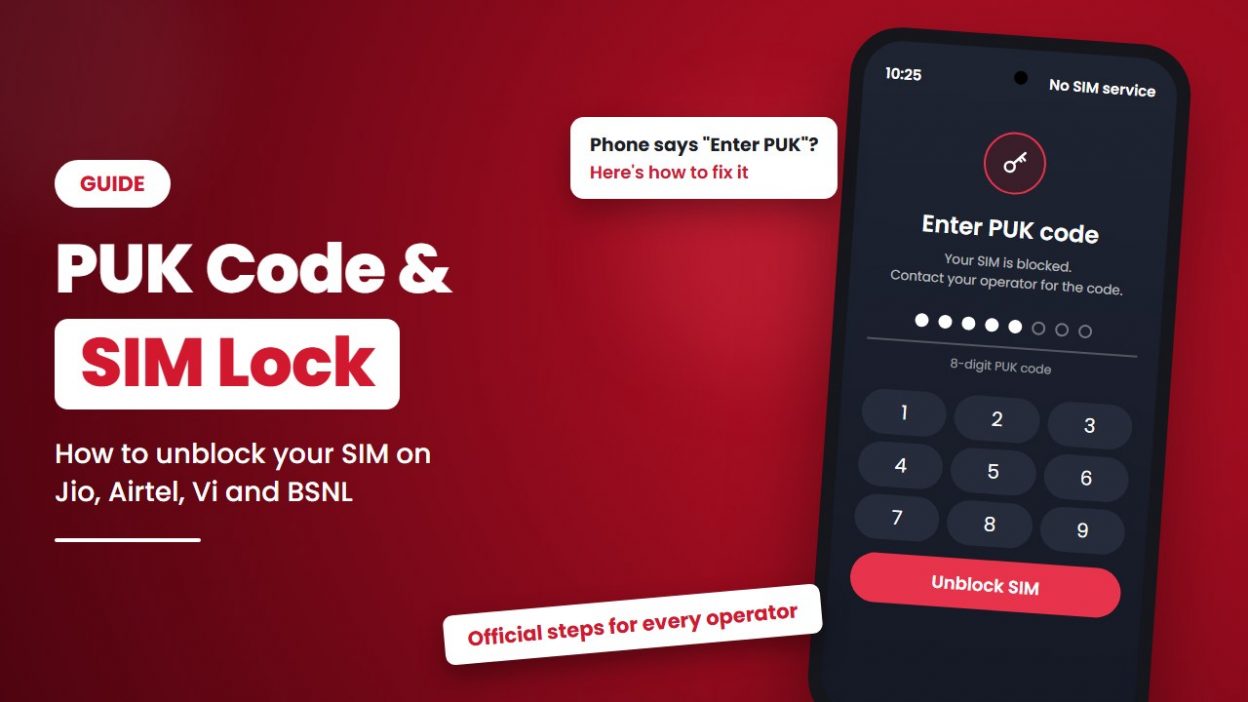
You switch on your phone and see “Enter PUK” or “SIM card blocked”. Calls and mobile data have stopped working.
- 1 SIM Lock vs PUK Code: What’s the Difference?
- 2 What Is a SIM Lock (SIM PIN)?
- 3 What Is a PUK Code?
- 4 Why Does My Phone Say “Enter PUK”?
- 5 How to Get Your PUK Code
- 6 How to Unblock Your SIM With the PUK Code
- 7 What If Your SIM Is Permanently Blocked?
- 8 How to Turn SIM Lock On or Off
- 9 Should You Keep SIM Lock On?
- 10 Frequently Asked Questions
- 11 Conclusion
Don’t worry. This happens when a SIM PIN is entered wrong too many times, and you can usually fix it in a few minutes with your PUK code.
This guide explains what a PUK code and a SIM lock are, how to get your PUK from your mobile operator, and how to turn the SIM lock on or off so it doesn’t happen again.
SIM Lock vs PUK Code: What’s the Difference?
A SIM lock and a PUK code work together. The SIM lock keeps your SIM safe, and the PUK code is the backup key if the SIM lock blocks you.
Step 1: Protects
What Is a SIM Lock (SIM PIN)?
A SIM lock is a security feature that protects your SIM card with a PIN (Personal Identification Number).
When it is on, your phone asks for the SIM PIN every time you restart it or put the SIM in another phone. Without the PIN, nobody can make calls or use mobile data on your number, even if they steal your SIM.
According to Apple, a SIM PIN locks your SIM card or eSIM so that an identification code is needed for phone calls and mobile data.
Step 2: Unblocks
What Is a PUK Code?
PUK stands for Personal Unblocking Key.
It is a unique code, usually 8 digits, given to every SIM card as a security feature. If the wrong SIM PIN is entered more than three times, the SIM gets blocked. The PUK code is used to reset the PIN and unblock it (source).
Each SIM has its own PUK, which keeps your SIM details safe from unauthorised use.
In short: The SIM PIN locks your SIM. If the PIN is entered wrong too many times, the PUK code unlocks it.
Why Does My Phone Say “Enter PUK”?
Your phone asks for a PUK when:
- the SIM PIN was entered wrong 3 times, or
- someone else tried to use your SIM and guessed the PIN.
This is a safety lock. It doesn’t mean your SIM is damaged or your number is closed.
How to Get Your PUK Code
1. Jio PUK Code
Jio’s official help page says you can view the PUK code of your Jio SIM by logging in to your account.
Steps:
- On another phone or a computer, open Jio’s login help page.
- Follow the on-screen steps to log in to your account.
- Find your SIM’s PUK code.
2. Vi PUK Code
According to Vi:
- From another Vi number, dial 199 (toll-free IVR).
- Follow the menu to get the PUK code of your blocked SIM.
If you are calling from a non-Vi number, use the 10-digit circle long code given on Vi’s website.
3. Airtel PUK Code
Airtel says the PUK code is given by the telecom operator after the customer is verified. You can find it:
- on the packaging your SIM came in,
- in your operator’s official app,
- in your account details on the operator’s website, or
- by contacting customer care from another number.
4. BSNL PUK Code
BSNL does not publish an online PUK lookup. To get your PUK:
- check the card or packaging your SIM came in, or
- visit a BSNL customer service centre with your ID proof, or contact BSNL customer care through the BSNL website.
How to Unblock Your SIM With the PUK Code
Once you have the PUK code:
- When the phone shows “Enter PUK”, type the PUK code carefully.
- The phone will ask you to set a new SIM PIN. Choose one you can remember.
- Enter the new PIN again to confirm.
- Your SIM is unblocked, and calls and data start working again.
Important: Enter the PUK slowly and check each digit. If wrong codes keep being entered, the SIM can be permanently blocked. Never guess the PUK.
What If Your SIM Is Permanently Blocked?
If the wrong PUK is entered too many times, the SIM stops working for good. In that case:
- Visit your operator’s store or customer service centre with your ID proof.
- Ask for a replacement SIM for the same number.
- Your mobile number stays the same. Only the SIM card changes.
Contacts or messages saved on the SIM card may be lost. Contacts saved on your phone or your Google or iCloud account are not affected.
How to Turn SIM Lock On or Off
1. On iPhone
According to Apple:
- Open Settings.
- Tap Mobile Service (or Cellular).
- If you use two SIMs, tap the number you want to change.
- Tap SIM PIN and turn it on or off.
- Enter your current SIM PIN to confirm.
If you don’t know the SIM PIN, don’t guess it. Apple suggests using your carrier’s default SIM PIN and contacting your carrier if you need a PUK.
2. On Android
The menu names are different on each brand, but the steps are similar:
- Open Settings.
- Go to Security or Security & privacy (on Samsung, Biometrics and security, then Other security settings).
- Tap SIM card lock (or Set up SIM card lock).
- Turn Lock SIM card on or off.
- Enter your current SIM PIN.
Tip: If you can’t find it, type “SIM lock” in the search bar of the Settings app.
Should You Keep SIM Lock On?
Yes, if you want extra safety. If your phone is lost or stolen, a SIM lock stops others from using your number for calls, OTPs or WhatsApp verification. Before turning it on:
- Change the default PIN to your own PIN.
- Write down your PIN and PUK and keep them somewhere safe, not on the same phone.
- Remember your PIN. Three wrong tries will block your SIM.
If your phone is lost, also block it on the government’s Sanchar Saathi portal. Read 9 SIM Limit in India: How to Check How Many SIMs Are in Your Name to learn more about the portal.
Frequently Asked Questions
What is a PUK code?
A PUK (Personal Unblocking Key) is a code, usually 8 digits, that unblocks your SIM after the wrong SIM PIN is entered three times.
How do I get my Jio PUK code?
Log in to your account using Jio’s login page on another device and view your SIM’s PUK code.
How do I get my Vi PUK code?
Dial 199 from another Vi number and follow the IVR menu. From a non-Vi number, use your circle’s long code.
How do I get my Airtel PUK code?
Check your SIM packaging, the Airtel app or your online account, or contact customer care. The PUK is shared after verifying your identity.
How do I get my BSNL PUK code?
Check your SIM packaging, or visit a BSNL customer service centre with ID proof.
What is the difference between a SIM PIN and a PUK code?
The SIM PIN locks your SIM. The PUK code unblocks it after the PIN is entered wrong three times.
What happens if I enter the wrong PUK code?
If wrong codes keep being entered, the SIM can be permanently blocked. You will then need a replacement SIM from your operator for the same number.
Will I lose my number if my SIM is permanently blocked?
No. Your operator can give you a replacement SIM with the same number after verifying your identity.
How do I remove SIM lock?
On iPhone, go to Settings → Mobile Service → SIM PIN and turn it off. On Android, go to Settings → Security → SIM card lock and turn off Lock SIM card. You will need your current SIM PIN.
Conclusion
A “PUK” message looks scary, but it’s only a safety lock. Get your PUK code from your operator, enter it carefully, set a new SIM PIN and your SIM will work again.
- Jio: Log in to your Jio account on Jio.com
- Vi: Dial 199 from another Vi number
- Airtel: SIM packaging, Airtel app, online account or customer care
- BSNL: SIM packaging or a BSNL customer service centre
And never guess a PUK code. If you’re not sure, ask your operator.
Managing many SIMs for your team? Locked or lost SIMs can stop sales and support calls. With a business number from CallerDesk, customer calls ring on your team’s phones through one virtual number, so calls keep coming in even if one SIM stops working.