A meeting ends, everyone returns to work, and a few hours later the confusion begins.
- 1 What Is an AI-Powered Meeting Assistant?
- 2 AI Meeting Assistant vs AI Note-Taker
- 3 Where Can Businesses Use AI Meeting Assistants?
- 4 Can AI Meeting Assistants Understand Indian English and Hinglish?
- 5 What Can an AI Meeting Assistant Get Wrong?
- 6 Are AI Meeting Assistants Safe to Use?
- 7 How to Choose the Right AI Meeting Assistant
- 8 How Do AI Meeting Assistants Connect With Business Calling?
- 9 Conclusion
What did the client approve? Who was supposed to send the proposal? Was the deadline Friday or next Monday? Someone may have taken notes, but important details can still be incomplete, scattered or difficult to find.
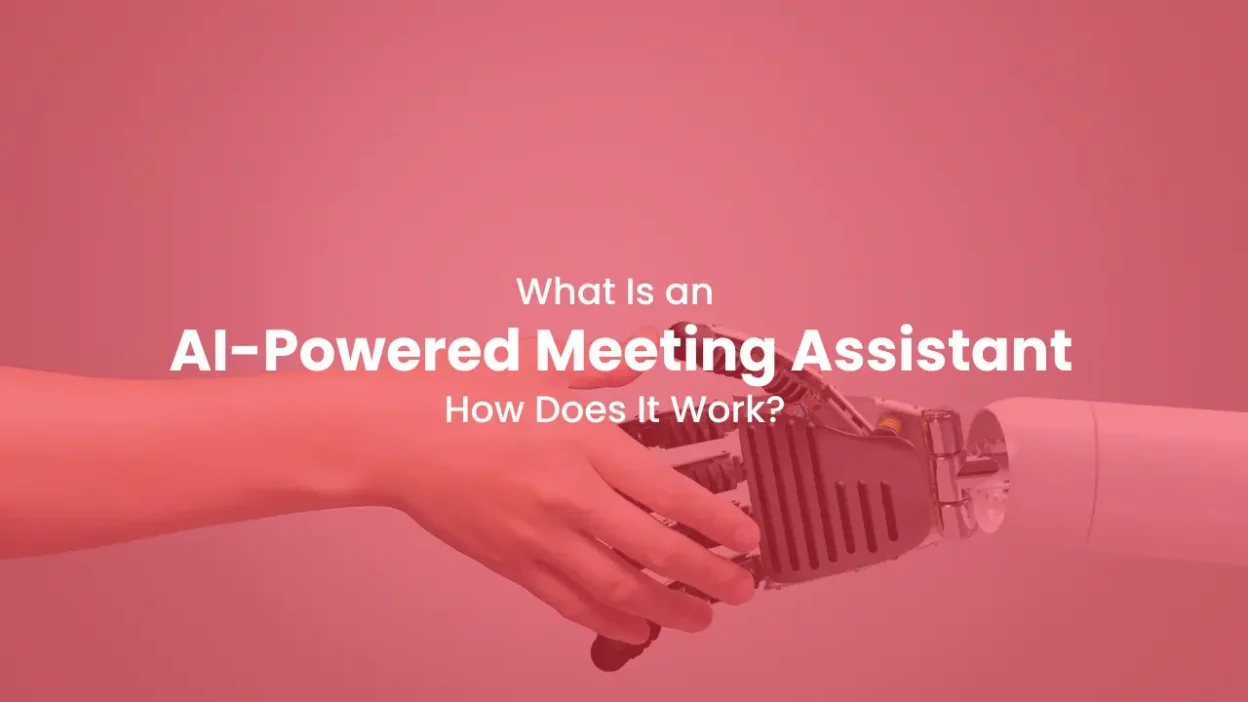
An AI-powered meeting assistant helps solve this problem. It captures the conversation, converts speech into text and organises important information into notes, decisions and action items.
However, it is not a perfect digital secretary. Its accuracy depends on audio quality, language, accents and how clearly participants communicate.
Let us understand how an AI meeting assistant works, where it can help and what businesses should check before using one.
What Is an AI-Powered Meeting Assistant?
An AI-powered meeting assistant is software that uses artificial intelligence to record, transcribe and organise online or in-person meetings.
Depending on the tool, it may:
- Convert speech into text
- Prepare a meeting summary
- Identify different speakers
- Highlight decisions and questions
- Extract tasks, owners and deadlines
- Draft follow-up emails
- Update CRM or project-management tools
- Make previous meetings searchable
Basic tools mainly prepare transcripts and notes. More advanced assistants can support the complete meeting process, from preparation to follow-up.
For example, Google Meet can organise AI-generated notes in Google Docs, Zoom can prepare meeting summaries from speech-to-text data, and Microsoft Teams can generate notes, tasks and personalised meeting highlights.
How Does an AI-Powered Meeting Assistant Work?
The process may differ between tools, but most AI meeting assistants work in four stages.
It Captures the Conversation
The assistant receives audio from an online meeting, uploaded recording, mobile device or meeting-room microphone.
Background noise, poor internet and people speaking together can affect the quality of the output.
It Converts Speech Into Text
Speech-recognition technology turns the audio into a written transcript. The system tries to understand words, names, numbers, accents and different speakers.
Uncommon names, industry terms and mixed-language conversations may still be transcribed incorrectly.
It Finds Important Information
Artificial intelligence analyses the transcript to identify:
- Decisions
- Questions
- Tasks
- Deadlines
- Customer requirements
- Agreed next steps
It then uses this information to prepare a structured summary.
It Connects With Other Tools
If integrations are available, the assistant may send notes or tasks to CRM software, email, calendars or project-management platforms.
For example, it could add a meeting summary to a customer record or create a follow-up task for a salesperson.
AI Meeting Assistant vs AI Note-Taker
The terms AI meeting assistant and AI note-taker are often used for similar tools, but there can be a difference.
| Capability | AI Note-Taker | AI Meeting Assistant |
| Creates a transcript | Yes | Yes |
| Generates meeting notes | Yes | Yes |
| Identifies action items | Sometimes | Usually |
| Supports meeting preparation | Rarely | May be available |
| Drafts follow-ups | Sometimes | Often |
| Updates other business tools | Limited | Available through integrations |
An AI note-taker mainly documents a meeting. An AI meeting assistant may also help with preparation, follow-ups and workflow automation.
However, product names can be misleading. Businesses should compare actual capabilities instead of deciding only on how a tool describes itself.
Where Can Businesses Use AI Meeting Assistants?
AI meeting assistants can support different types of business conversations.
1. Sales Meetings
Sales teams can capture customer requirements, objections, pricing discussions, promised follow-ups and agreed next steps.
2. Customer Onboarding
The assistant can document configurations, expectations, responsibilities and pending customer requirements.
3. Recruitment Interviews
Recruiters can prepare structured notes about candidate answers, experience, availability and follow-up requirements. The final hiring decision should always remain with people.
4. Internal Meetings
Project teams can document decisions, blockers, deadlines and task ownership without depending entirely on manually prepared minutes.
5. Training and Coaching
Managers can review discussions and identify areas where employees may require additional support. Such use should be transparent and follow the organisation’s policies.
Can AI Meeting Assistants Understand Indian English and Hinglish?
Some AI meeting assistants support multiple languages and accents, but support does not always mean equal accuracy in every situation.
A tool may struggle when participants:
- Switch between Hindi and English
- Speak quickly
- Use regional pronunciation
- Mention Indian names or local places
- Use technical terms
- Speak over one another
- Use English words inside Hindi sentences
Consider this example:
“Client ko revised quotation Friday tak chahiye, aur uske baad implementation team ke saath call schedule karni hai.”
The sentence may be clear to the participants but difficult for a system trained mainly on standard English conversations.
Indian businesses should therefore test a tool with real employees, accents, company names, product terms, dates and typical background conditions before purchasing it.
What Can an AI Meeting Assistant Get Wrong?
AI-generated notes can look organised even when some details are incorrect.
Common problems include:
- Incorrect names or technical terms
- Wrong task ownership
- Missing context
- Incorrect dates or numbers
- Confusing a suggestion with a final decision
- Assigning a statement to the wrong speaker
- Leaving an important concern out of the summary
For example, “We could launch next month” is different from “We will launch next month.” An AI-generated summary may not always recognise that difference.
Important decisions, prices, deadlines and responsibilities should be checked against the transcript or recording.
An AI meeting assistant should be treated as a support system, not an unquestionable source of truth.
Are AI Meeting Assistants Safe to Use?
An AI meeting assistant may process audio, transcripts, participant names, customer information and internal business discussions. Businesses should therefore review its privacy controls before using it.
Important checks include:
1. Participant Notification
Participants should know when a conversation is being recorded, transcribed or analysed.
2. Data Storage and Retention
Check where recordings and transcripts are stored, how long they are retained and whether they can be permanently deleted.
3. Model Training
Find out whether meeting data can be used to train or improve the provider’s AI models and whether an opt-out is available.
4. Access Controls
Meeting records should only be accessible to authorised users. Look for administrator controls, user permissions and secure sharing options.
5. Connected Applications
Check what information the assistant sends to CRM, email and collaboration platforms. A summary sent to the wrong record or channel can expose confidential information.
Recording and consent requirements can vary according to the location, organisation and type of conversation. Businesses should review applicable data-protection requirements before recording sensitive meetings.
How to Choose the Right AI Meeting Assistant
The tool with the longest feature list is not automatically the best option. Evaluate it according to your actual meeting requirements.
Check:
- Whether it supports your meeting platforms
- Whether it joins as a bot or works without one
- Its accuracy with Indian English and mixed languages
- Whether summaries correctly identify decisions and tasks
- Available CRM and workflow integrations
- Data storage, retention and deletion controls
- Team administration and access permissions
- Usage limits and complete team pricing
Before introducing the tool across the organisation, run a small pilot using real meeting conditions. This will help you understand its accuracy, usability and actual value.
How Do AI Meeting Assistants Connect With Business Calling?
Not every business conversation takes place through Google Meet, Zoom or Microsoft Teams. Sales enquiries, support requests and follow-ups may happen through regular phone calls.
An AI meeting assistant helps teams document scheduled meetings. A cloud telephony platform helps businesses manage customer calls through features such as IVR, call routing, call recording, call tracking and reporting.
For example, CallerDesk helps businesses organise inbound and outbound calling operations and maintain visibility into calling activity. An AI meeting assistant may separately help the same team document an internal review or scheduled customer meeting.
The two systems solve different communication problems, and a growing business may need both.
Conclusion
An AI-powered meeting assistant can convert a conversation into a transcript, summary, task list and searchable meeting record. It can reduce manual note-taking and help teams complete follow-ups faster.
However, its output should always be reviewed. Indian accents, Hinglish conversations, overlapping speech, technical terms and unclear decisions can create errors. Privacy, participant notification and data handling are equally important.
Test the assistant with real meetings, review its accuracy and introduce automation gradually.
For businesses that also want to manage customer calls, routing, recordings and calling activity, explore the cloud telephony solutions available at callerdesk.io